FMBN

FMBN
Oct 2024
Federal Mortgage Bank of Nigeria simplifies mortgage loan requests and streamlines the acceptance process for administrators.
DASHBOARD & MARKETING PAGES
The challenge
When I started working on this project, the mortgage loan application process was almost entirely paper based. People had to visit branches, fill out long forms by hand, and wait while everything got processed manually. It was slow, confusing, and created a lot of back and forth for both customers and bank staff.
I was brought in to take this process digital, to help customers understand their loan options, apply online, and track their progress, while also giving the bank’s staff better tools to handle applications efficiently.
Getting to know the system
Before I could design anything, I needed to understand how the bank worked.
I spent time reading over nine internal documents, policy guides, and forms to learn about the different loan types and how they were processed. I also spoke with loan officers and support staff to hear about their challenges first-hand. I mapped out the entire customer journey, from someone learning about loans for the first time to making their final repayment. So I could see where things broke down.
One big takeaway: customers didn’t know which loan was right for them, and bank staff were overwhelmed by the amount of paperwork and data they had to handle.
Structuring the experience
I identified two main user groups:
Customers: people trying to find the right loan, apply, and track their payments.
Administrators: staff who needed to review and manage large volumes of applications.
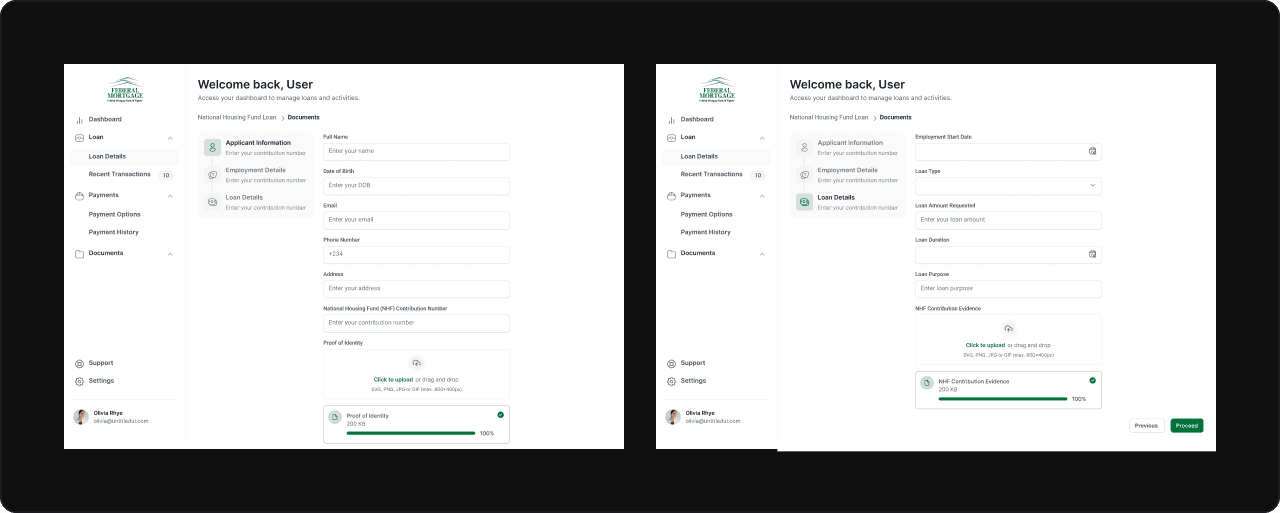
I sketched out user flows for each group and organized all the information that needed to be shown. This helped me create a structure that felt clear and guided users through what can be an intimidating process.
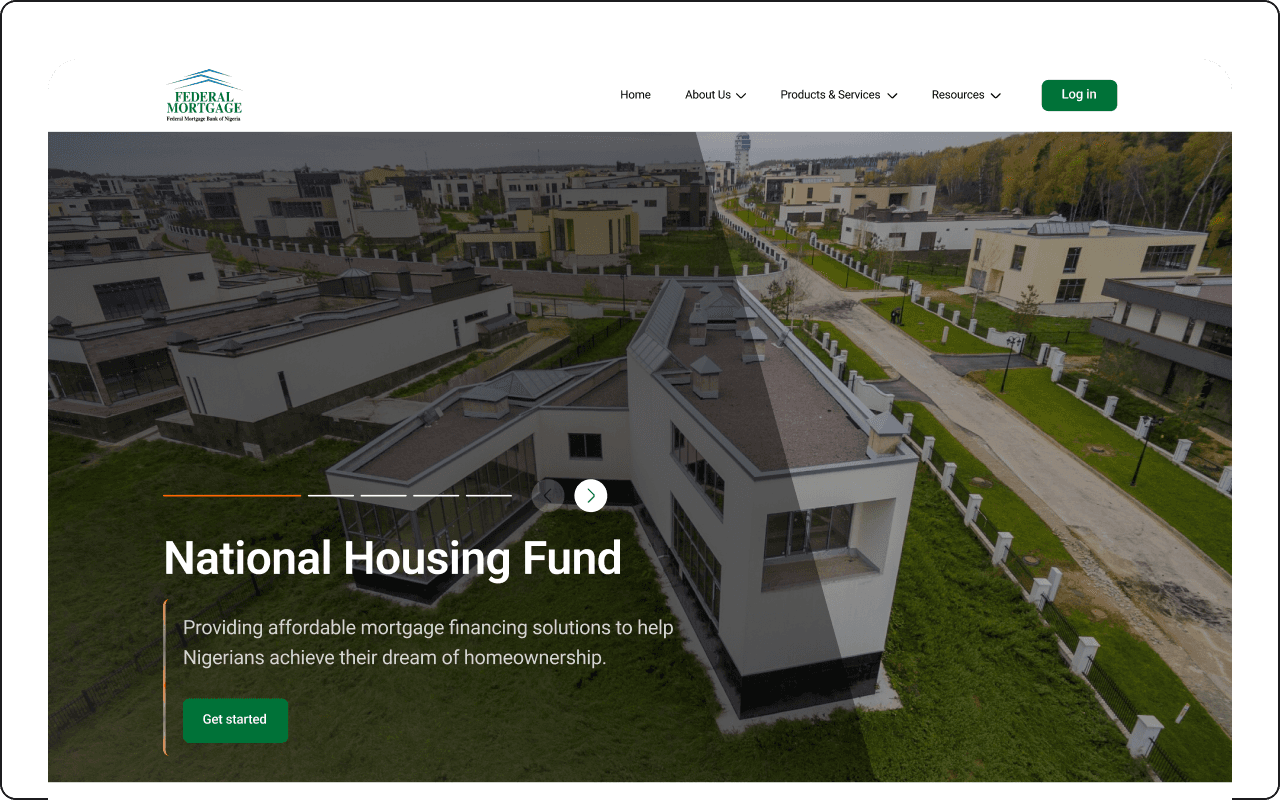
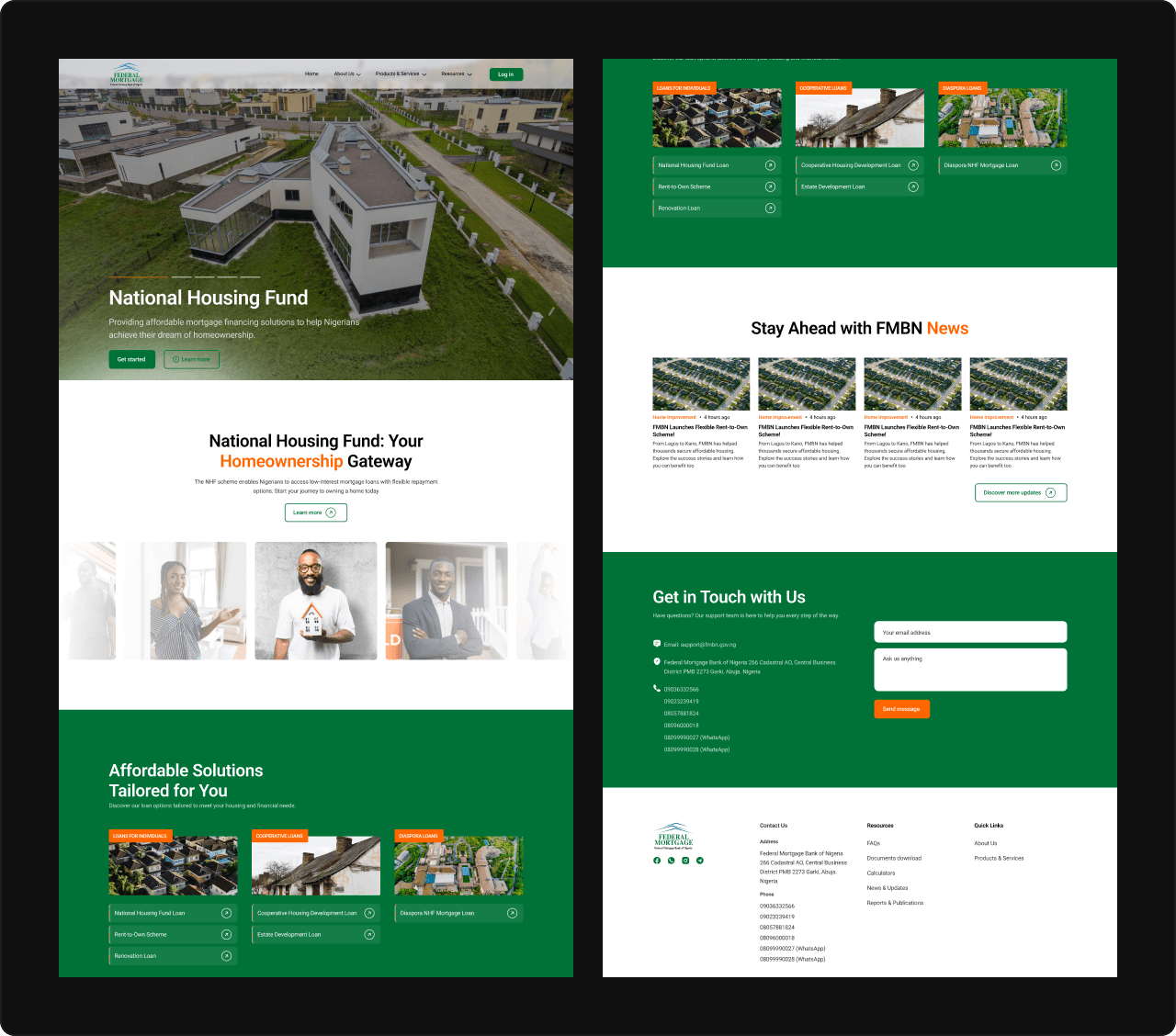
Designing loan education pages
One of the first problems I tackled was loan education. If people couldn’t understand the bank’s loan options, they were less likely to even start an application.
I designed clean, informative marketing pages that:
Made it easy to compare products and pick the right one.
Encouraged users to move straight into applying once they felt confident.
This alone helped simplify the experience and gave the bank a stronger digital presence.
Customer dashboard
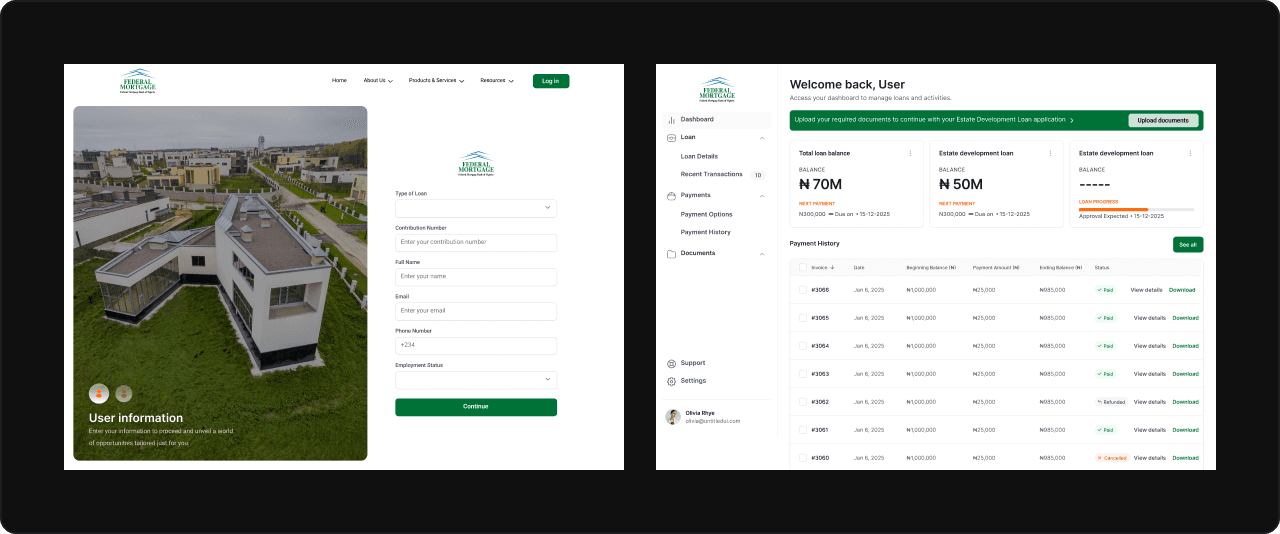
Once a customer applied, their dashboard became their hub. I wanted it to feel simple but informative.
It included:
A clear progress tracker so users always knew the status of their application.
Balance and repayment schedule, with upcoming payment dates clearly visible.
Payment history for transparency.
Alerts and reminders for upcoming repayments.
I explored different layouts to keep everything organized and avoid overwhelming users. I eventually went with a card-based design that felt modern and easy to scan.
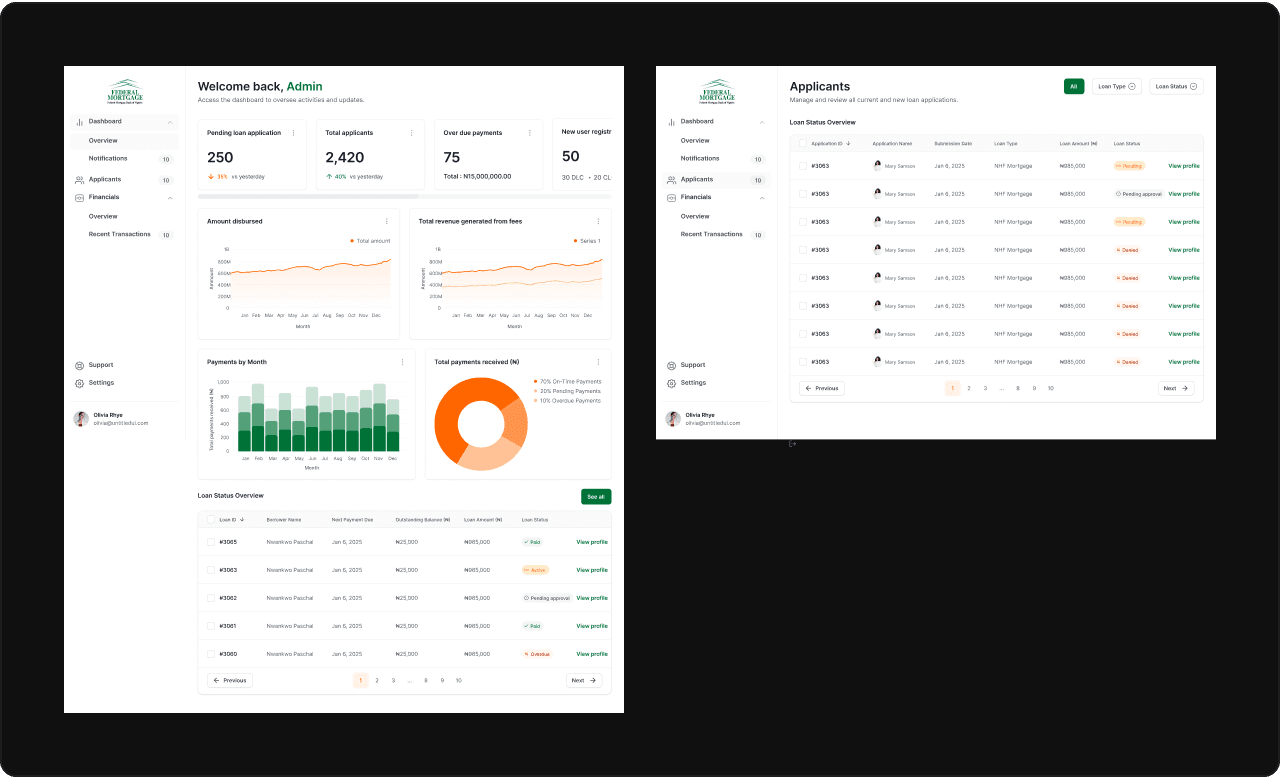
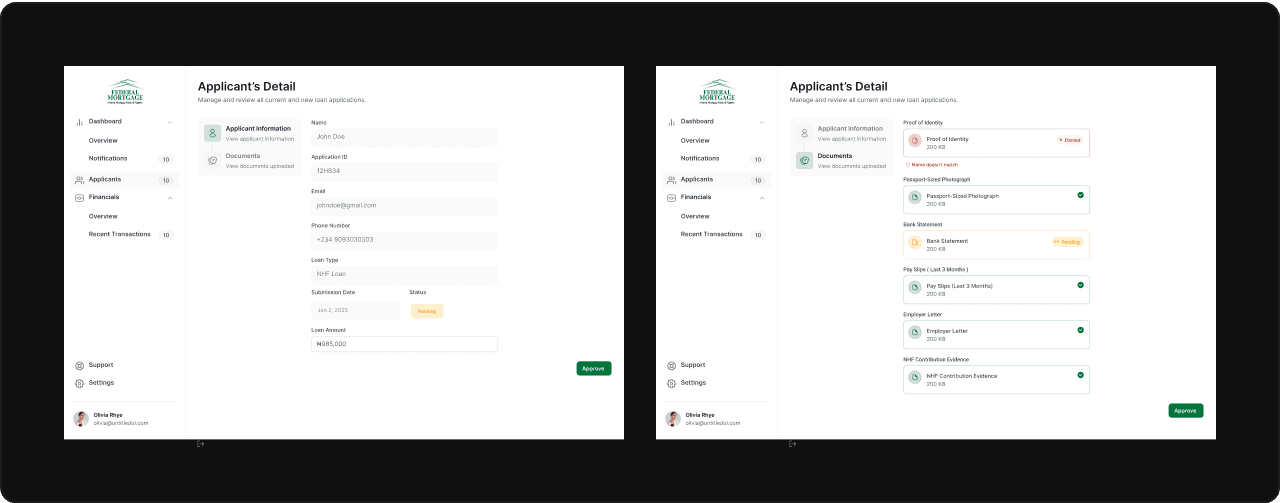
Admin dashboard
The admin side was more complex because staff needed to see a lot more data at once.
I created an interface with:
Data tables, filters, and search for quick access to applications.
Status indicators and color coding so staff could prioritize at a glance.
A layout that worked well on desktops but could scale down for tablets when needed.